The Death of Swivel Chair
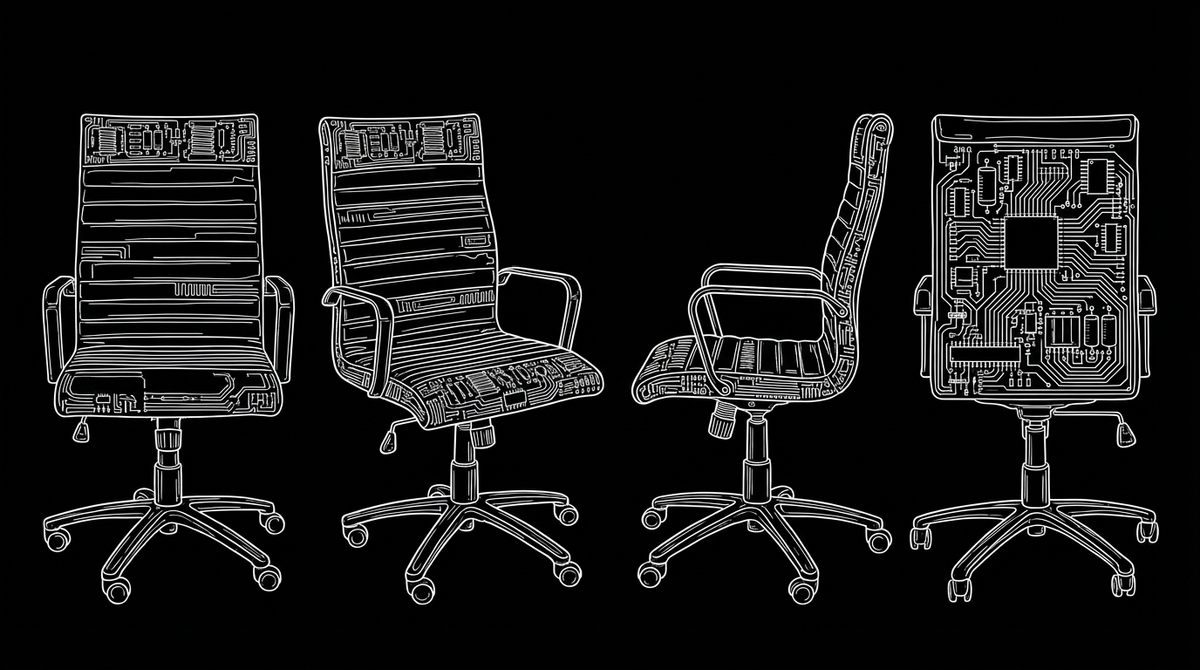
In the modern enterprise, technology was supposed to make work effortless. Instead, for many knowledge workers, security analysts, and IT professionals, it has created a deeply frustrating phenomenon known as the dreaded "swivel chair" work.
There’s a good chance someone on your team is doing this right now:
- copying a piece of data from one screen
- switching to another application
- logging in again through a separate authentication gateway
- navigating a completely different interface
- manually pasting that data to complete a single task
This is the “swivel chair” effect, and it’s one of the most expensive inefficiencies in modern enterprise technology.
But, it's more than just inefficient.
In high‑stakes security environments, the swivel chair becomes a real vulnerability. Analysts are forced to manually bounce between dashboards, reconcile conflicting alerts, and stitch together incident timelines across tools that were never built to speak to each other.
"Every extra click, re‑authentication, or context switch is another opportunity for errors and missed signals."
The swivel chair problem is creating tedium and tiring out your employees. But more importantly, it is a massive security liability.
How We Built This Problem
While the shift toward specialized SaaS tools gave organizations the ability to adopt solutions “best” for every individual business function, nobody considered how these solutions often fail to work together.
Nobody bought the glue.
Before diving deeper, it helps to name the root causes explicitly:
- Tool sprawl: Dozens of disconnected applications with separate authentication systems and siloed data.
- Shadow IT: Employees turning to unauthorized tools when official ones slow them down.
- Mergers & acquisitions: Inherited, mismatched tech stacks that were never architected to work together.
- Human‑as‑integration‑layer: Employees manually bridging gaps between systems that don’t communicate.
But each of these deserves a bit more unpacking.
Tool Sprawl → Cognitive Sprawl
As teams adopt more specialized tools, the cognitive overhead grows. Each interface has its own terminology, navigation patterns, and mental model. Switching between them is inconvenient and it’s cognitively expensive.
“When systems don’t communicate, employees become the integration layer.”
Shadow IT as a Symptom, Not a Sin
When employees resort to unauthorized tools, it’s rarely rebellion. It’s a signal that the sanctioned workflow is too slow, too fragmented, or too painful to use. Shadow IT is often the clearest indicator that UX has broken down.
Inherited Tech Stacks That Never Had a Chance
Mergers and acquisitions force organizations to absorb entire ecosystems of legacy tools. These systems weren’t designed to coexist, and the cost of retrofitting them into a coherent workflow is often underestimated.
Humans Filling the Gaps
Every time a person manually moves data between systems, they’re compensating for a design failure. Multiply that across thousands of tasks per day, and the cost in time, morale, and security exposure becomes enormous.
What the Fix Looks Like: UX‑Led Integration
Solving the swivel chair is about designing around how humans actually work, not just buying more software. UX design offers actionable methods to re-integrate fragmented workflows and reduce cognitive load.
Below is a more detailed breakdown of what that looks like in practice.
Start with authentication
Implementing Single Sign‑On (SSO) is the most immediate, high‑impact intervention available. Paired with passwordless authentication such as FIDO‑standard passkeys that leverage biometrics like Face ID or Windows Hello, organizations can eliminate the authentication tax entirely.
Users can move between systems fluidly, without constantly re‑establishing their identity.
Why this matters:
- Fewer interruptions
- Lower cognitive load
- Reduced password fatigue
- Fewer opportunities for credential‑related errors
Consolidate the view
Unified dashboards that automatically aggregate and cross‑correlate data from underlying tools are a fundamentally different experience than asking someone to hold five browser tabs open and connect the dots in their head.
When a security analyst can see network traffic, endpoint data, and user identity in a single correlated view (with the “Who, What, When, Where, and Why” presented automatically) decision quality and speed improve dramatically.
Good UX here means:
- One place to look
- One mental model to learn
- One workflow to trust
Design for depth, not just breadth
A common failure when consolidating tools is overcrowding a single interface and calling it integration. Progressive disclosure, or surfacing only what’s essential until the user requests more, prevents “Frankenstein dashboards” and keeps cognitive load manageable. Users drill down into root‑cause data contextually, without losing their place.
“Integration isn’t about putting everything on one screen — it’s about putting the right thing on the screen at the right time.”
Audit your stack against actual workflows
If employees are routinely exporting data to spreadsheets just to compare two columns side by side, it’s a signal that the interface has failed them. Regular UX research and stack consolidation exercises aren't overhead, but infrastructure.
The Bottom Line
Human attention is a finite resource. Designing systems that expect employees to function as manual connective tissue between disconnected platforms leads to burnout and costly errors, as well as shadow ecosystems that introduce further security risk.
The organizations building a true competitive advantage right now are investing in coherent systems that work with their people, not against them.
As the swivel chair era is nearing a close, ask yourself: Is your technology stack ready to move forward with it?
By applying UX principles, your organization can build systems that reduce friction, strengthen security, and make work easier.